Text to Image Generation
Describe any scene, style, or subject in plain words and watch Kinovi bring it to life as a stunning, high-quality image.
Create
Idle
Result
Submit a request to watch this generation complete here.
No response yet
Submit a request to watch this generation complete here. Past runs live in History.
Turn your ideas into visuals with Kinovi’s text to image creator. No design skills, no cameras, no complicated software. Just describe what you want and let the AI imagine it for you.
What You Can Create
With text to image generation, you can create almost anything you can put into words:
- Photorealistic product shots for e-commerce and ads
- Concept art for characters, environments, and worlds
- Social media posts, banners, and thumbnails
- Book covers, posters, and editorial illustrations
- Fantasy landscapes, sci-fi scenes, and architectural concepts
- Abstract art, portraits, animals, vehicles, and more
Each image is generated from scratch based on your description, so you can explore unlimited variations in seconds.
How It Works
- Type your idea – Write a clear description of the image you want, like “a misty mountain lake at sunrise with a wooden pier.”
- Choose your style and shape – Pick a look such as photorealistic, digital art, cinematic, or minimalist, and select your preferred aspect ratio.
- Generate and refine – Kinovi creates your image instantly. If you want changes, just describe the edit and regenerate until it’s perfect.
No prompt engineering or technical skills are needed. If you can describe it, Kinovi can create it.
Use Cases
Kinovi’s text to image tool is useful for:
- Marketing teams – Create ad creatives, social media visuals, and campaign assets without waiting on photoshoots.
- Content creators – Make unique thumbnails, channel art, and story backgrounds.
- Product designers – Visualize concepts, packaging ideas, and mood boards early in the creative process.
- Authors and publishers – Generate book covers and interior illustrations from scene descriptions.
- Game developers – Explore character designs, environment concepts, and asset ideas fast.
- Anyone with an idea – Whether you need a gift image, a wallpaper, or just want to experiment, text to image makes it easy.
Why Use Kinovi
- Fast results – Go from idea to finished image in seconds.
- High quality – Get sharp, detailed, visually appealing images across many styles.
- Easy controls – No design experience needed; just describe what you want.
- Versatile formats – Generate images in portrait, landscape, or square to fit your project.
- Built for iteration – Refine images with simple follow-up instructions until they feel right.
Example Gallery
Here are images generated from simple text prompts using Kinovi:

A cozy cabin scene generated from a simple text description.
A cozy cabin scene generated from a simple text description.
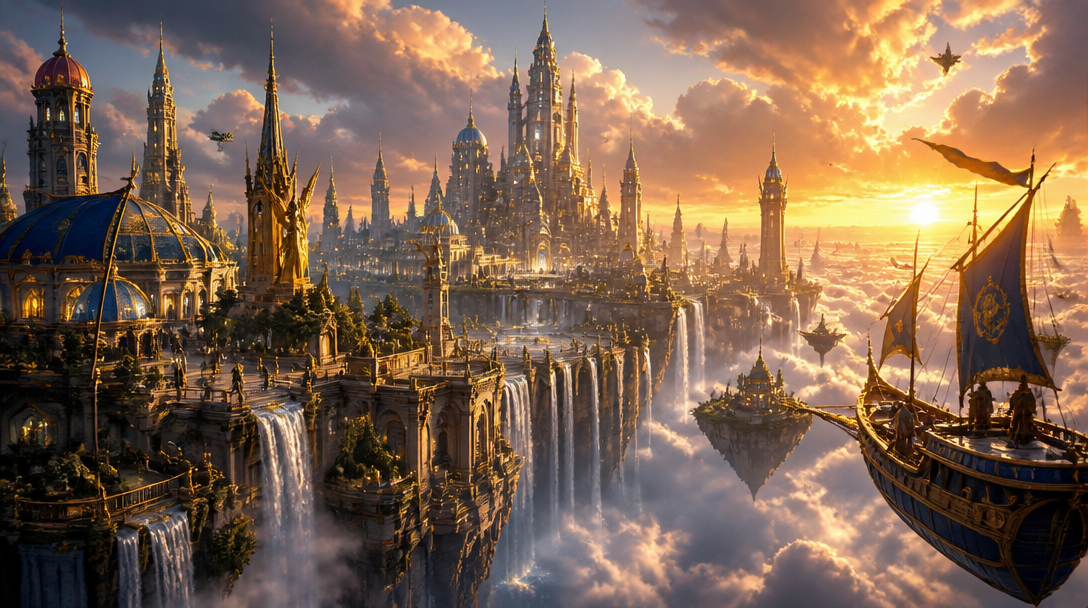
A floating fantasy city brought to life from words.
A floating fantasy city brought to life from words.

Refine any generated image with one extra instruction.
Refine any generated image with one extra instruction.
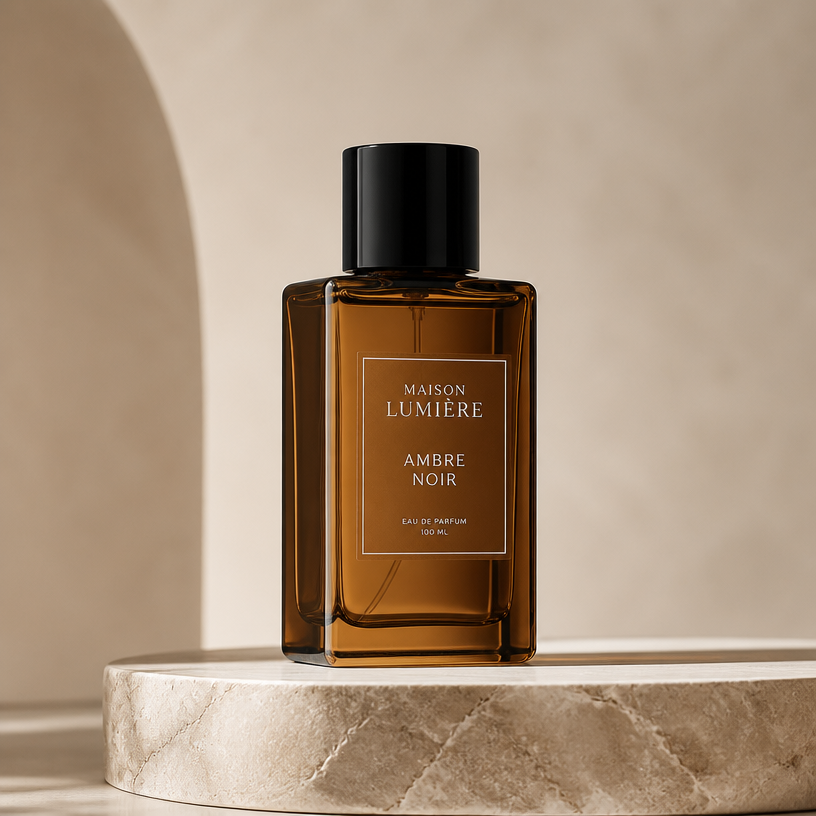
A polished product visual created without a photoshoot.
A polished product visual created without a photoshoot.
FAQ
How does text to image generation work?
You write a description of the image you want, choose a style, and the AI creates a new image that matches your words. It’s like giving instructions to a creative artist who works instantly.
Can I edit an image after it’s generated?
Yes. In Kinovi, you can provide a follow-up instruction to change details, add objects, alter colors, or adjust the composition of an image you’ve already generated.
What styles can I create?
You can generate photorealistic images, digital art, anime, surreal compositions, product photography, cinematic scenes, and many other visual styles.
Is text to image the same as adding text to an image?
No. Text to image means generating a brand-new image from a text description. If you need to add captions or typography, you can pair your Kinovi-generated image with a simple design editor.
Do I need design skills to use Kinovi?
Not at all. Kinovi is designed for anyone who wants to create visuals from ideas. Just describe what you want in plain language, and the tool handles the rest.
Related Tools and Models
Explore more creative tools from Kinovi: