AI Product Photo Generator — Studio Quality in Seconds
Upload any product snap and let Kinovi transform it into professional, conversion-ready photos. Change backgrounds, add lifestyle scenes, and generate ecommerce visuals without a studio or Photoshop.
Create
Idle
Result
Submit a request to watch this generation complete here.
No response yet
Submit a request to watch this generation complete here. Past runs live in History.
Stop paying for expensive photo shoots. Kinovi's AI product photo generator turns plain product snapshots into polished, sell-worthy visuals — no studio, no photographer, no design skills required.
What You Can Create
- Hero product shots on clean, professional backgrounds
- Lifestyle scenes that place your product in real-world contexts
- Seasonal and themed setups for campaigns or social media
- High-detail close-ups and feature shots that highlight materials
- Consistent brand-ready images across your entire catalog
Whether you shoot with a phone or already have product files, you can create an unlimited number of on-brand visuals in seconds.
How It Works
- Upload your product image or generate one from scratch with a simple text prompt.
- Choose a scene — like “luxury spa,” “minimal studio,” or “sunny kitchen counter” — or write your own.
- Let Kinovi’s AI add realistic shadows, reflections, lighting, and props.
- Download 4K-ready photos instantly and start selling.
You can also refine the output with additional edits, or turn your final image into a short product video for even more engagement.
Use Cases
- Ecommerce listings: Create a full set of product photos for Shopify, Amazon, WooCommerce, or Etsy.
- Marketplace sellers: Generate marketplace-compliant images with clean white backgrounds or contextual lifestyle shots.
- Social media ads: Quickly produce fresh creative for Instagram, TikTok, Facebook, and Pinterest.
- Print and packaging: Build mockups and product heroes for flyers, catalogs, and packages.
- Product launches: Release a complete visual identity without waiting for a studio.
Why Use Kinovi
- No studio required: Shoot on your phone and let AI clean up the rest.
- Instant iterations: Generate dozens of scene variations in one session.
- Creative control: Describe any setting, color palette, or brand style.
- Cost-effective: Eliminate photography, props, and Photoshop costs.
- Built for commerce: High-resolution outputs that look “shot by a pro.”
Example Gallery
Here are a few AI product photos created with Kinovi for different use cases:
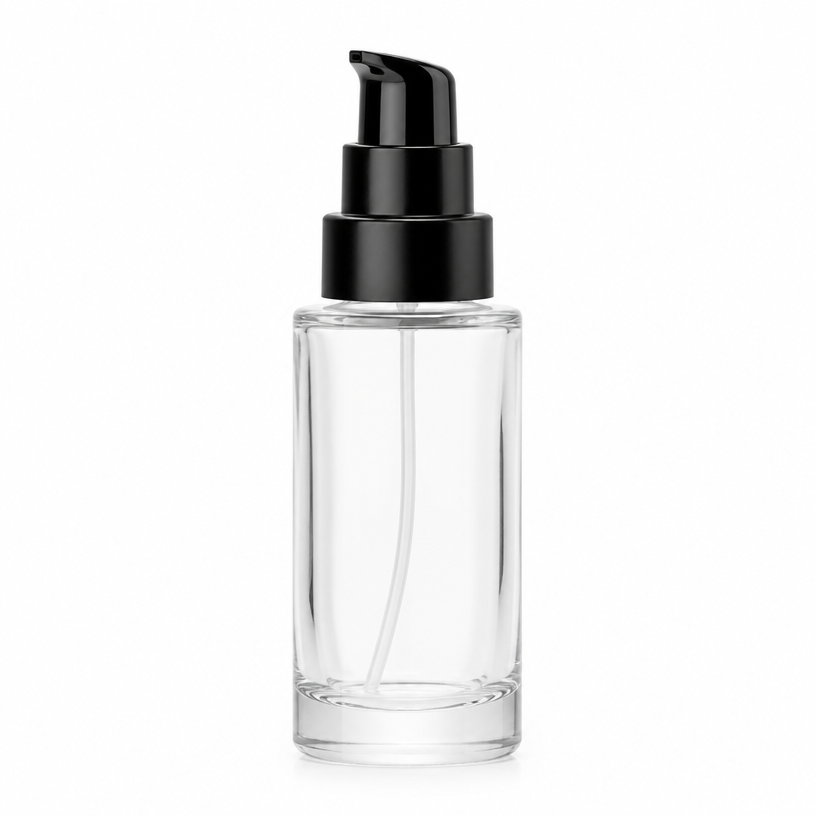
Original product shot on a plain white background.
Original ecommerce product shot on a plain white background.
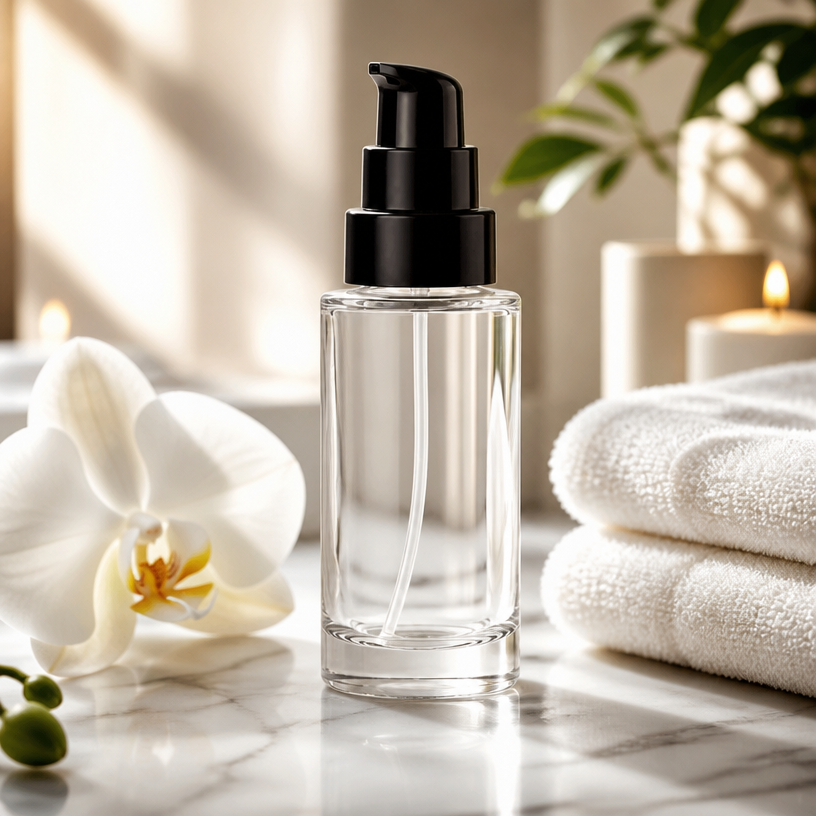
The same product instantly placed into a high-end spa scene with realistic lighting.
The same product instantly placed into a high-end spa scene with realistic lighting.
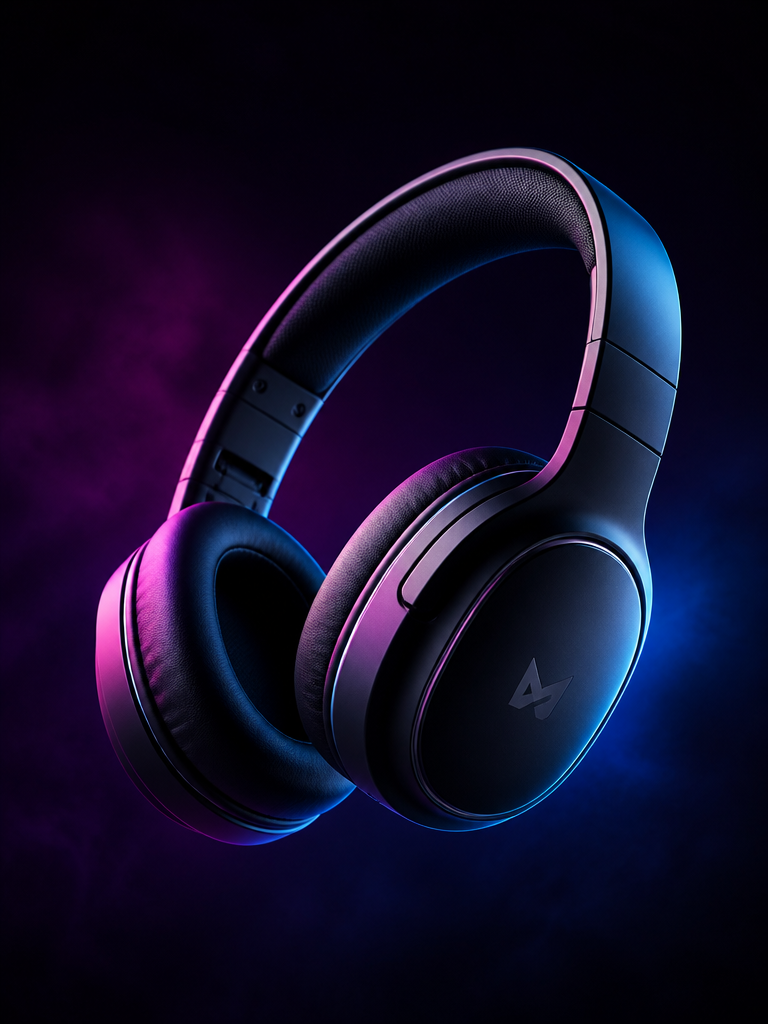
A fully AI-generated hero image for a tech accessory, created from a text prompt.
A fully AI-generated hero image for a tech accessory, created from a text prompt.
A 360° product video generated from that hero image — perfect for product pages.
A 360° product video generated from that hero image — perfect for product pages.
FAQ
Can I use AI product photos for my online store?
Yes. Kinovi product photos are ready for ecommerce and commercial use.
Do I need to know Photoshop?
No. Everything is automated. You only need to upload your product or describe what you want.
Can I edit my existing product photos?
Absolutely. Use the AI product photo enhancer to swap backgrounds, change lighting, and add props.
How quickly will I get my images?
Most product photos generate in under a minute, so you can iterate as often as you like.
Can I turn my product photo into a video?
Yes. Kinovi’s AI can animate your product image into a 360° spin or lifestyle clip.
Related Tools and Models
- GPT Image 2 — photorealistic product rendering
- Seedream 5 Pro — creative backgrounds and scene generation
- Midjourney v8 — artistic and stylized product shots
- Seedance 2.5 — product photo to short video
- AI Avatar Generator — generate models to showcase apparel or beauty products