Text to Image AI: Turn Words Into Stunning Visuals
Describe an idea and watch it become a one-of-a-kind image in seconds. Create art, product visuals, portraits, and more with Kinovi.
Create
Idle
Result
Submit a request to watch this generation complete here.
No response yet
Submit a request to watch this generation complete here. Past runs live in History.
Describe an idea, and Kinovi turns it into a polished image in seconds. No design skills or complex software required—just the words that bring your vision to life.
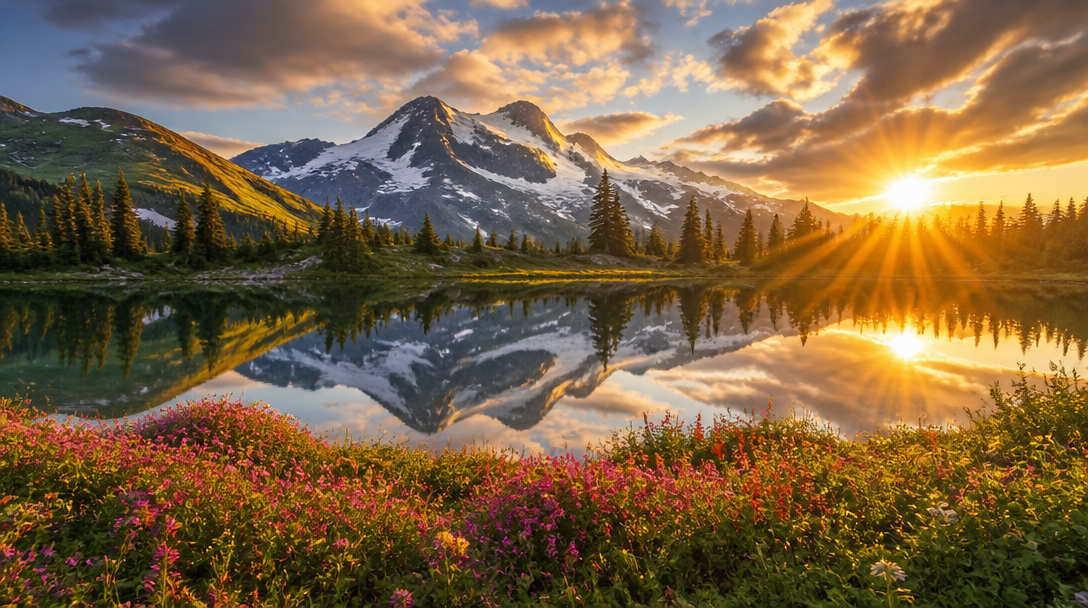
A cinematic landscape generated from a single sentence.
What You Can Create
Kinovi's text to image AI works across styles and subjects. You can generate:
- Photorealistic scenes and travel-style landscapes
- Original fantasy, sci-fi, and concept art
- Elegant illustrations, watercolor, and digital paintings
- Professional product photography for storefronts and campaigns
- Character portraits and social-ready avatars
Use it for a moodboard, a pitch deck, a marketing asset, or simply to explore a creative idea.
How It Works
- Describe what you see. Write a short sentence about the subject, setting, and feeling you want.
- Choose your style and format. Pick a visual style and aspect ratio that fits the project.
- Generate and refine. Review the result, adjust your description, and regenerate until it's right.
There are no complicated controls getting in the way. The tool is designed so that anyone can go from idea to image in under a minute.
Use Cases
- Marketing and branding: Produce eye-catching visuals for ads, social posts, or website headers.
- Content creation: Illustrate articles, videos, and presentations with custom imagery.
- Product design: Visualize concepts and mockups before production.
- Creative projects: Build fantasy worlds, characters, and storyboards.
- Personal use: Create unique gifts, wall art, or profile pictures.
Why Use Kinovi
Kinovi makes text to image AI fast, flexible, and fun. You can generate professional-looking visuals in seconds, experiment with different styles, and stay in one creative workflow—then move your image into editing or video tools when you want to take it further.
- Instant results: Go from idea to visual in seconds.
- Broad style range: Realistic, illustrative, cinematic, and more.
- Easy controls: Choose the format, look, and level of detail you need.
- Built for creators: Combine images with Kinovi's AI editing and video generation tools whenever you're ready.
Example Gallery
Here are a few directions you can take with text to image AI:
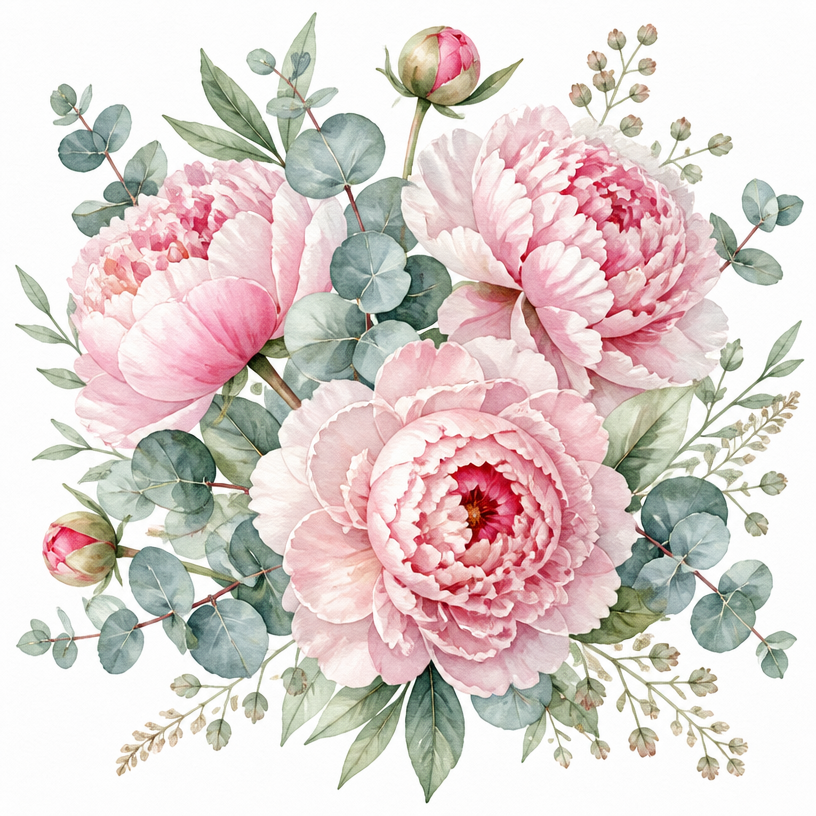
Turn simple descriptions into elegant watercolor art.
An elegant watercolor illustration generated from a simple description.
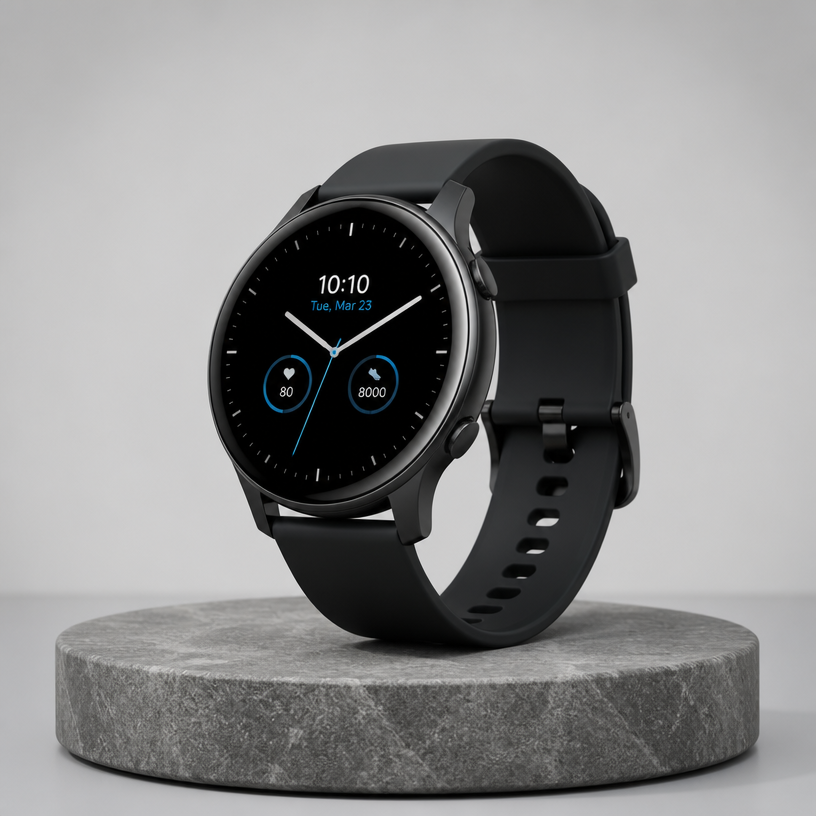
Create polished product visuals for e-commerce and marketing.
A studio-quality product photo created entirely from text.
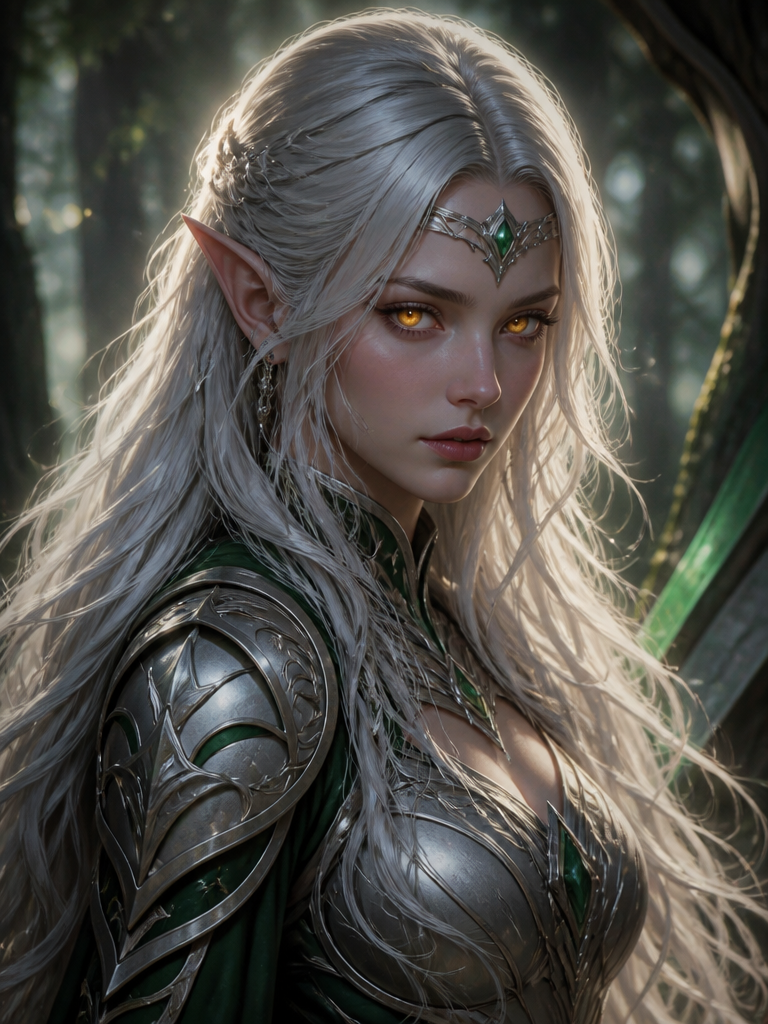
Design unique characters and original fantasy art.
A unique fantasy character portrait brought to life with AI.
FAQ
What is text to image AI? Text to image AI is a creative tool that generates new images from a written description. You type what you want to see and the AI creates a visual based on your words.
How do I create an image with Kinovi? Write a clear description of your subject, choose a style and aspect ratio, then generate. You can refine the description and try again until you love the result.
What kinds of images can I create? Almost anything you can describe: realistic photos, digital art, illustrations, product shots, landscapes, portraits, and more.
Do I need design skills to use it? No. Kinovi handles the creative heavy lifting. You only need to describe what you want.
Can I use the images in commercial projects? Kinovi is designed for creators and teams who need original visuals. Always check your current account terms for the latest usage rights.
Related Tools and Models
If you enjoy creating with text to image AI, explore these related tools and models: