Generate the asset, not the document
Create original visuals for campaigns, product concepts and social posts. Import the result into your preferred design editor.
Canva: editable designs, templates and brand workflows.
The Canva alternative for AI-made visuals
Describe a visual or bring a reference image. Explore Nano Banana Pro, Seedream 5 Pro and Seedance 2.5 on Kinovi — then finish your layout in the editor you love.
Turn an idea into an image, edit with references or explore a video model. Choose the model and settings for each task.
Kinovi uses credits for generation. Check the current model price and account terms before submitting a task.
Create original visuals for campaigns, product concepts and social posts. Import the result into your preferred design editor.
Canva: editable designs, templates and brand workflows.
Nano Banana Pro supports reference-image editing. Describe a new setting, composition or visual direction and review the result.
Kinovi does not promise a layer-based design canvas.
Use Nano Banana Pro or Seedream 5 Pro for images; explore Seedance 2.5 for video. Inputs and availability depend on the model.
Canva: AI creation tools within its design workspace.
Submit with POST /api/v1/jobs/createTask; poll GET /api/v1/jobs/recordInfo. Console and API use the same account credit balance.
Kinovi provides a generation API, not a Canva-compatible layout API.
Real outputs from Kinovi’s public model showcases. These are model examples, not one-click ad templates or completed campaign deliverables.
Explore all models ↗
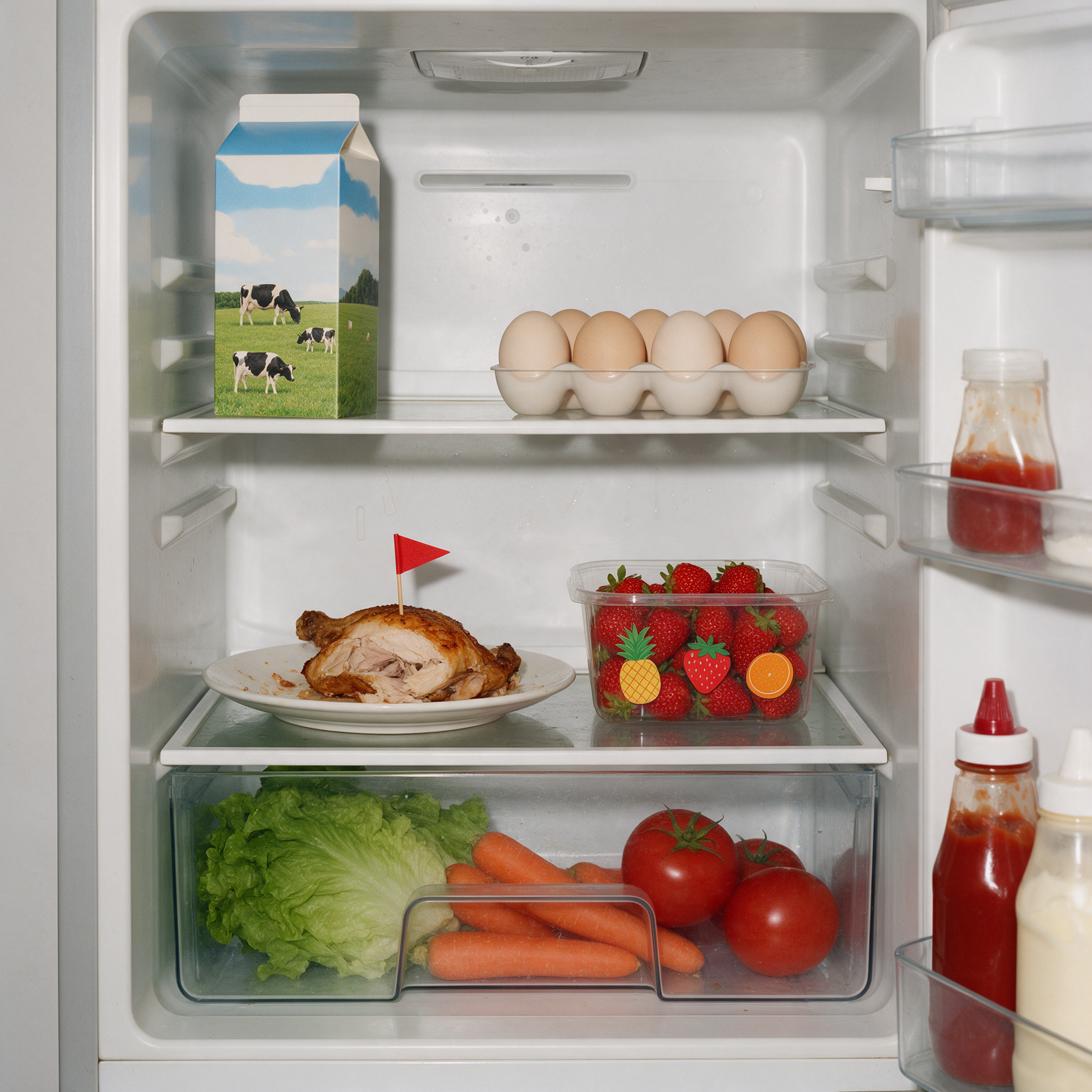
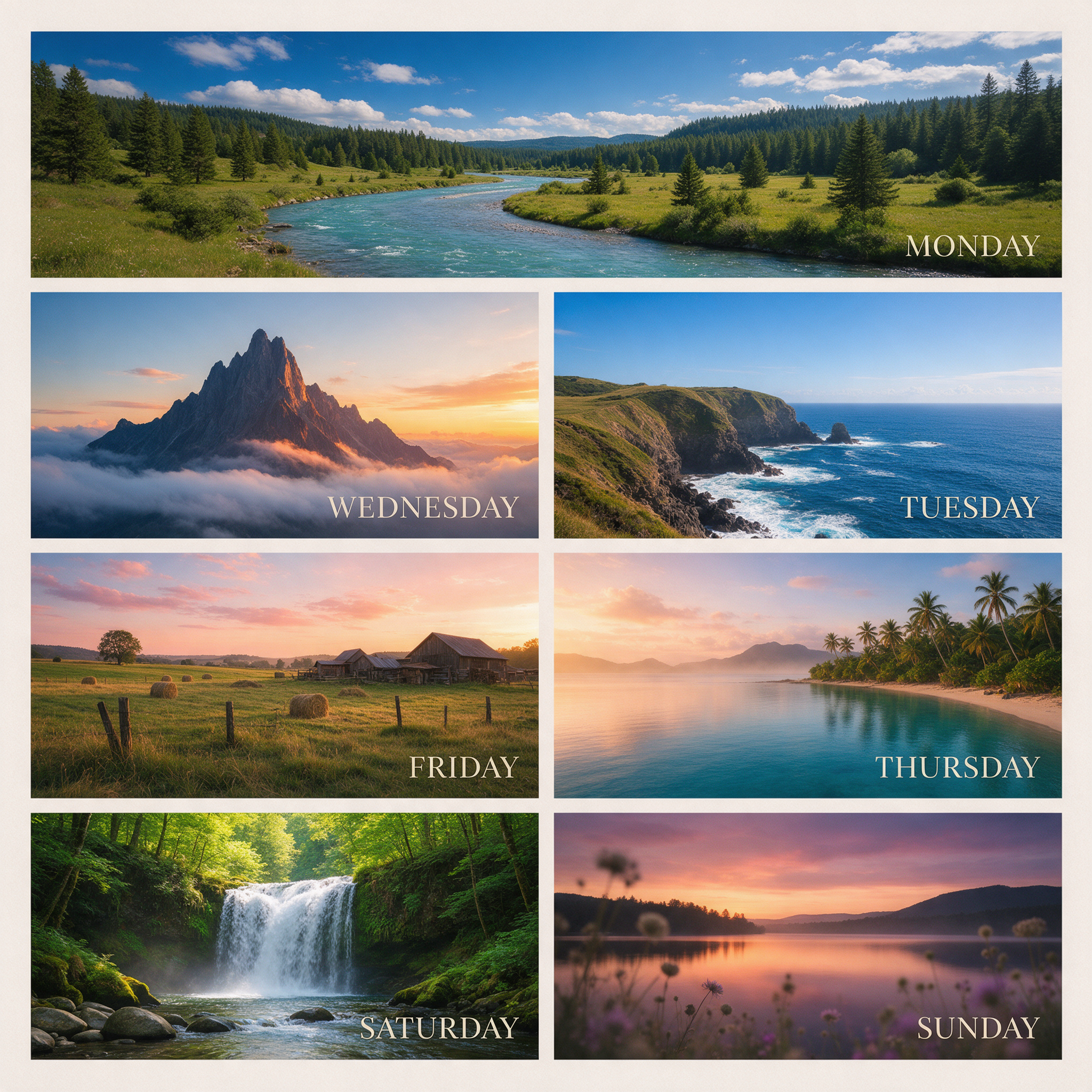
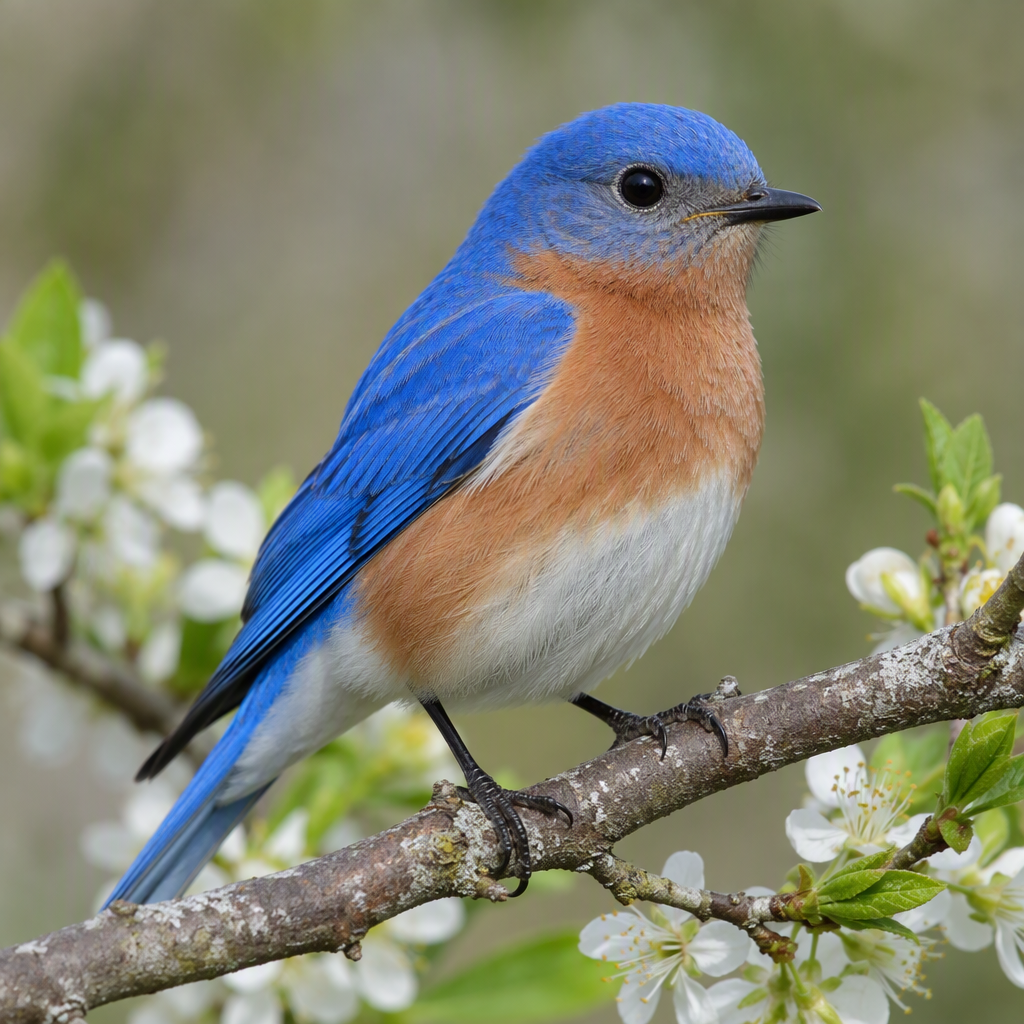
Images are generated showcase outputs. Video examples are supplied by the official model page; no scene or ad-performance claims are made.
| Capability | Kinovi | Canva |
|---|---|---|
| What it is | An AI image and video generation platform with model pages and an API. | A design workspace for editable layouts, templates and AI tools. |
| Where it fits | Generate creative assets, then import them into a layout editor. | Design, edit, collaborate and share in one workspace. |
| Reference-image editing | Supported by documented image models such as Nano Banana Pro. | AI photo editing tools alongside editable designs. |
| Design templates & layers | No Canva-style template editor or layer-based layout feature claimed. | Creator templates, Brand Kit and editable design elements. |
| Usage & billing | Credits are reserved per task; costs vary by model and settings. Check current terms. | Free access to selected AI tools, with more usage and features on paid plans. |
| Developer workflow | REST task submission and status polling with API-key authentication. | Developer integrations are a separate product; compare the workflow you need. |
Comparison based on public product documentation, checked 25 Nov 2026 (UTC+8). Features and terms can change.Kinovi API docsCanva AI overview
A different tool for a different part of the creative process.
Generate the assets. Keep control of the final design.